
If your organization is trying to figure out how to implement AI with legacy systems and no APIs, you’ve come to the right place.
Not having APIs doesn’t mean you’re out of options.
This guide covers practical strategies, tools, and architectural patterns that work in 2026, all without needing to replace your current systems.
Legacy systems without APIs are still the norm
Legacy systems such as mainframes, COBOL-based platforms, older ERP systems, and on-premise databases were designed for stability and long-term use, not for easy integration with other systems.
These systems have lasted for decades because they are reliable. Replacing them is often expensive, risky, and sometimes not even possible.
But the core problem lies in how these systems were originally built.
They use proprietary data formats, closed designs, and batch processing.
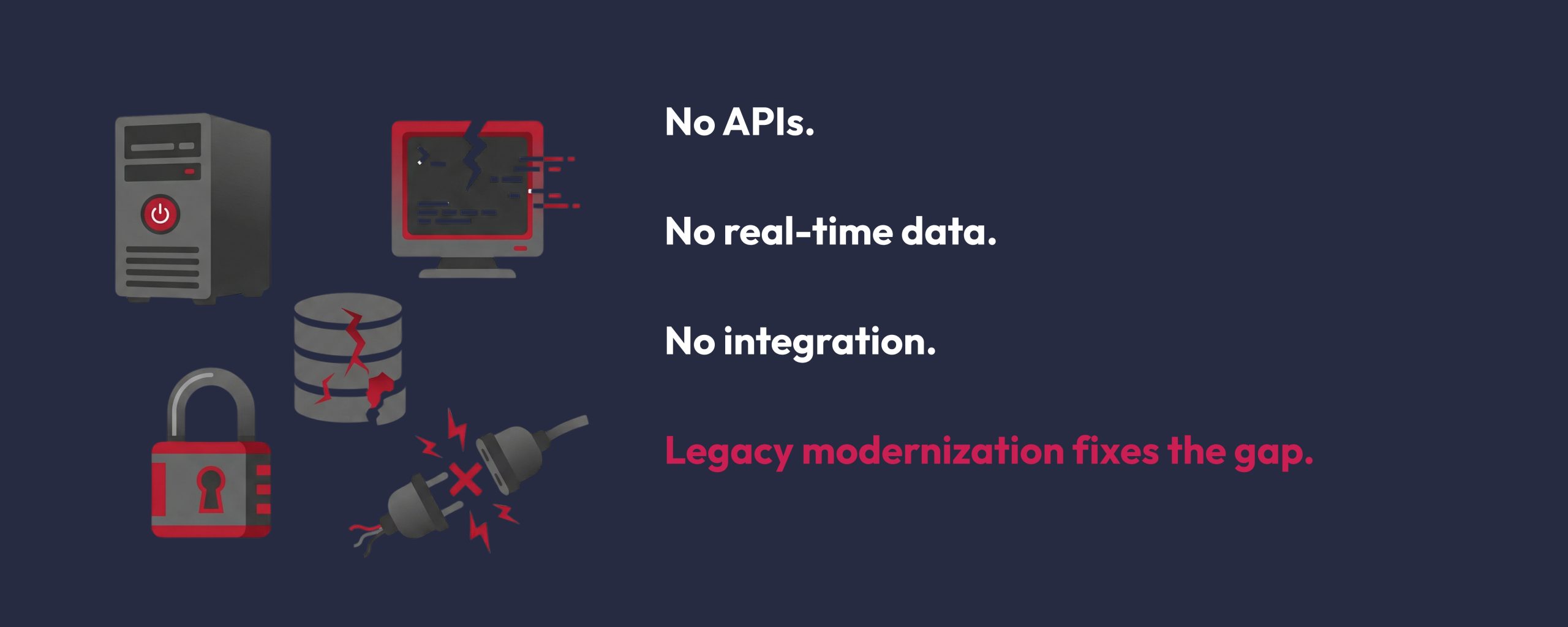
These systems lack REST endpoints, webhooks, or message queues.
Meanwhile, AI models require clean, continuous data streams in modern formats like JSON or XML.
What is legacy modernization?
Many organizations find it hard to use AI not because they lack ideas, but because their old systems cannot link with new tools or expand easily.
Legacy modernization means updating old systems, software, and hardware so they can work with new technologies like AI or data handling.
By working with companies that provide legacy modernization services, like LoopStudio, businesses can update their systems to incorporate AI.
How to implement AI with legacy systems and no APIs
The solution lies in bridging the gap between these systems with the right integration strategy.
| Step | Summary |
|---|---|
| 1. Audit | Review where data lives, format, access method, and system limits before integrating AI. |
| 2. Extract | Use database access, file parsing, screen scraping, or RPA when no APIs exist. |
| 3. Clean & Load | Transform messy legacy data into structured, usable data for AI pipelines. |
| 4. Connect | Use middleware, microservices, or event-driven systems to bridge legacy tools and AI. |
| 5. Validate | Start with a proof of concept before scaling to reduce technical and business risk. |
Step 1: Audit your legacy environment before making any changes
Many teams make the mistake of jumping straight to an integration tool without first understanding what they are working with. A good audit should answer these questions:
- Where does the data physically live? (flat files, relational databases, binary logs, print spoolers)
- What format is it stored in? (EBCDIC, fixed-width, proprietary binary, CSV exports)
- How is data currently accessed or exported, even manually?
- What are the uptime and stability requirements of the system?
This last point is very important. Many legacy systems cannot handle extra load. If your integration strategy adds pressure to the core system, you risk destabilizing something the whole organization relies on.
This is why it is important to work with a team that has experience in Data Engineering.
Step 2: Use one of the four main extraction methods when there are no APIs
When a system has no API, you need to extract data through other means. There are four primary approaches, each suited to different types of legacy environments.
1. Direct Database Access via ODBC/JDBC
If the legacy system uses a relational database, even an old one like Oracle 8i, IBM DB2, or Sybase, you can often connect directly using ODBC or JDBC connectors.
This lets you run SQL queries and pull data into a modern data pipeline without changing the application layer.
(RPA and ODBC connections should be restricted to read-only access wherever possible to prevent accidental corruption of the legacy database)
2. File-based extraction and parsing
Many legacy systems regularly export data, such as nightly batch reports, transaction logs, or data dumps in fixed-width or CSV formats.
Even systems without an API or accessible database often produce these files as part of normal operations.
To get value from these files, you need to write parsing scripts, often in Python, that can decode fixed-width formats, handle old character encodings like EBCDIC, and manage inconsistencies in the data structure.
3. Screen scraping and terminal emulation
For systems where data is only accessible through a user interface, especially older mainframe green-screen environments, screen scraping is sometimes the only option.
Tools like Selenium, AutoHotkey, and terminal emulators such as TN3270 for IBM mainframes can simulate user actions, navigate menus, and extract data from specific screen positions automatically.
4. Robotic process automation
RPA platforms like UiPath and Automation Anywhere work in a similar way to screen scraping but provide better tools, error handling, and enterprise-level reliability.
RPA bots can mimic human interactions with legacy interfaces, extract data, and send it to modern pipelines, all without changing the underlying system.

Step 3: Build a data pipeline that bridges old and new
Extracting data from a legacy system is only half the challenge.
The other half is making sure the data is in a form that AI models can use.
Raw legacy data is usually messy, with inconsistent formats, duplicate records, missing fields, and outdated encodings.
Building a proper data pipeline for AI integration involves several layers:
- Extraction: Pull data from the legacy system using one of the methods above, without disrupting live operations.
- Transformation: Standardize formats, resolve duplicates, fill in missing information, normalize timestamps, and make sure data types are consistent across all sources. This is the most labor-intensive step.
- Loading: Put the cleaned, structured data into a modern data store, such as a data lake, data warehouse, or vector database, where AI models can access it efficiently.
- Orchestration: Tools like Apache Kafka for real-time event streaming, Apache Airflow for batch pipeline scheduling, and Azure Data Factory for cloud-based integration are commonly used at this layer to ensure data flows reliably and continuously.
Step 4: Choose the right middleware and integration pattern
Once data is moving, the next challenge is connecting it to AI services in a way that is sustainable, secure, and scalable. This is where middleware and integration architecture become important.
A. Middleware as the translation Layer
Middleware solutions like MuleSoft, Boomi, and Apache Camel work as translators between legacy systems and modern AI services.
They can take in data in legacy formats, transform it as it moves, and deliver it to AI endpoints in the right format. Importantly, they do this without needing any changes to the legacy application.
B. Microservices architecture
Wrapping legacy functions in microservices is a more complex but very reliable integration method.
Instead of connecting AI tools directly to legacy data, you create small, modular services that handle specific legacy functions and make them available through standard interfaces.
AI components can then use these services without needing to know about the underlying legacy system.
C. Event-driven architecture
When you need near-real-time AI processing, an event-driven architecture with tools like Apache Kafka or RabbitMQ can trigger AI actions whenever certain events happen in the legacy system, such as a new transaction, a status change, or a file upload.
This approach is especially useful in industries such as financial services and logistics, where speed is critical.
Step 5: Validate with a Proof of Concept before scaling
One of the most important rules in legacy AI integration is to never scale before you have validated your approach.
These environments are complex, and assumptions that seem reasonable on paper often do not work in practice.
Running a focused Proof of Concept, which is a small, time-limited experiment to test if your integration approach works with your specific legacy environment, greatly reduces the risk of investing in a strategy that may not succeed.
Framework to follow
In Summary
Figuring out how to implement AI with legacy systems and no APIs is a major technical challenge for many organizations.
Not having APIs is a limitation, but it does not have to stop you.
You can work around it by using direct database access, file-based extraction, RPA, or middleware, depending on your setup.
Start with a careful audit and test your plan with a focused Proof of Concept before moving to full-scale deployment.
You can find more helpful AI guides on our blog.